Dell PowerProtect Data Manager · Reporting · 2023–24
Reports customers stopped exporting.
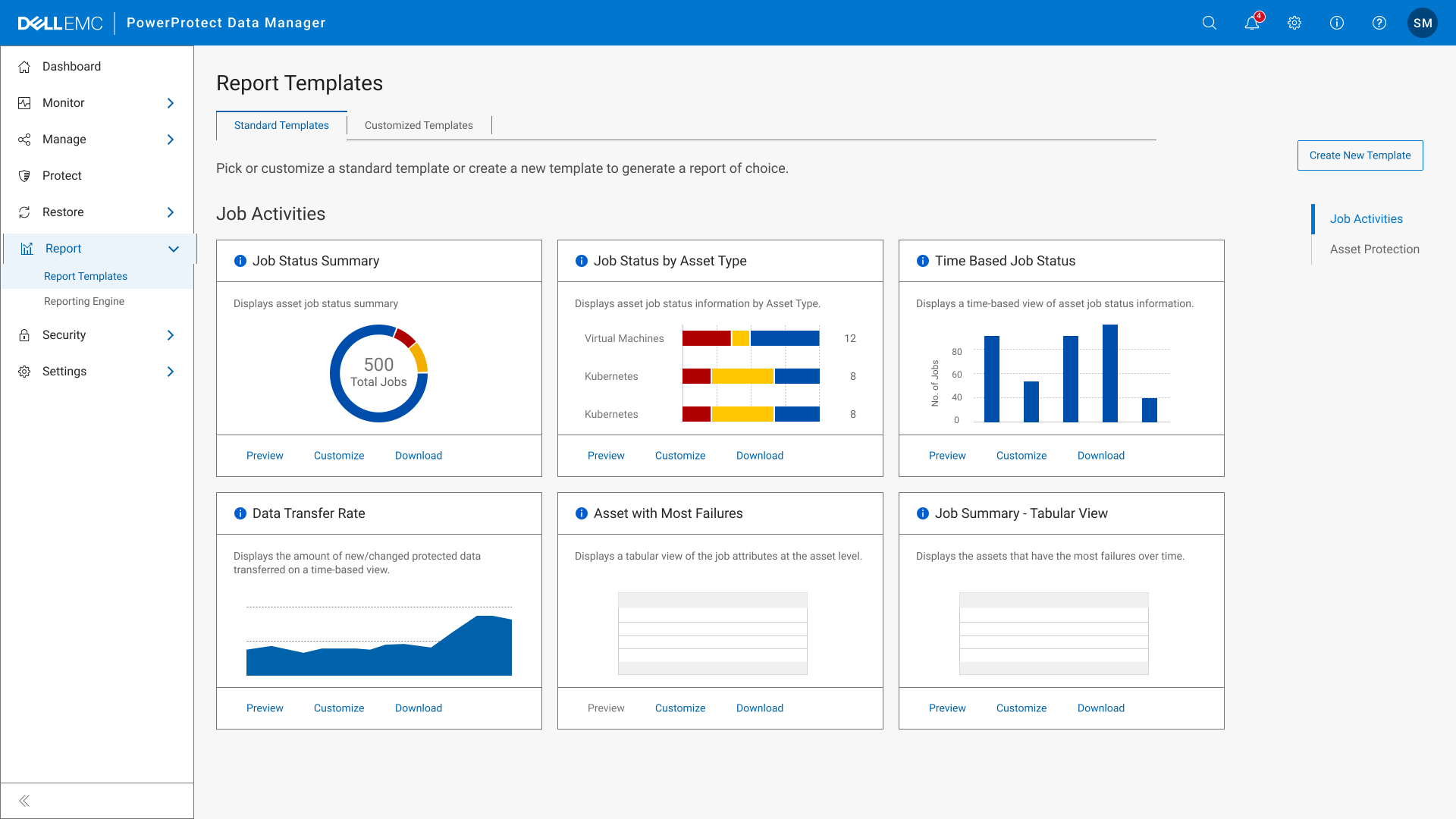
Enterprise customers were pulling PPDM data into other tools just to get a usable report. I led the redesign of reporting, from client workshops to templates, previews and exports, and adoption went from 20% to 42% in three months.
Role
Design lead
Ran client workshops and redesigned the reporting flow end to end
Timeline
12 months
2023–24. Shipped in PPDM
Team
HFI + Dell
UX designers at HFI and Dell’s in‑house engineering team
The context
Customers were reporting somewhere else.
Dell PowerProtect Data Manager (PPDM) backs up and recovers business data across physical, virtual and cloud environments. Its reporting feature tells admins how that protection is doing.
When we spoke to clients like Walmart, Presidio and Duke Energy, we found they barely used it. They were exporting data into Veeam and DPA to get the reports they needed.
That was the brief: find out why reporting wasn’t trusted, and make it the place admins go first.
Product
Dell PowerProtect Data Manager
Users
Backup admins at large enterprises
Signal
Clients reporting in Veeam and DPA instead
Method
Client workshops, then iterative design
My part
Design lead for reporting
What we heard
Four reasons people gave up.
Workshops with clients pointed to the same four problems. Each one added time, or meant a report had to be built somewhere else.
01
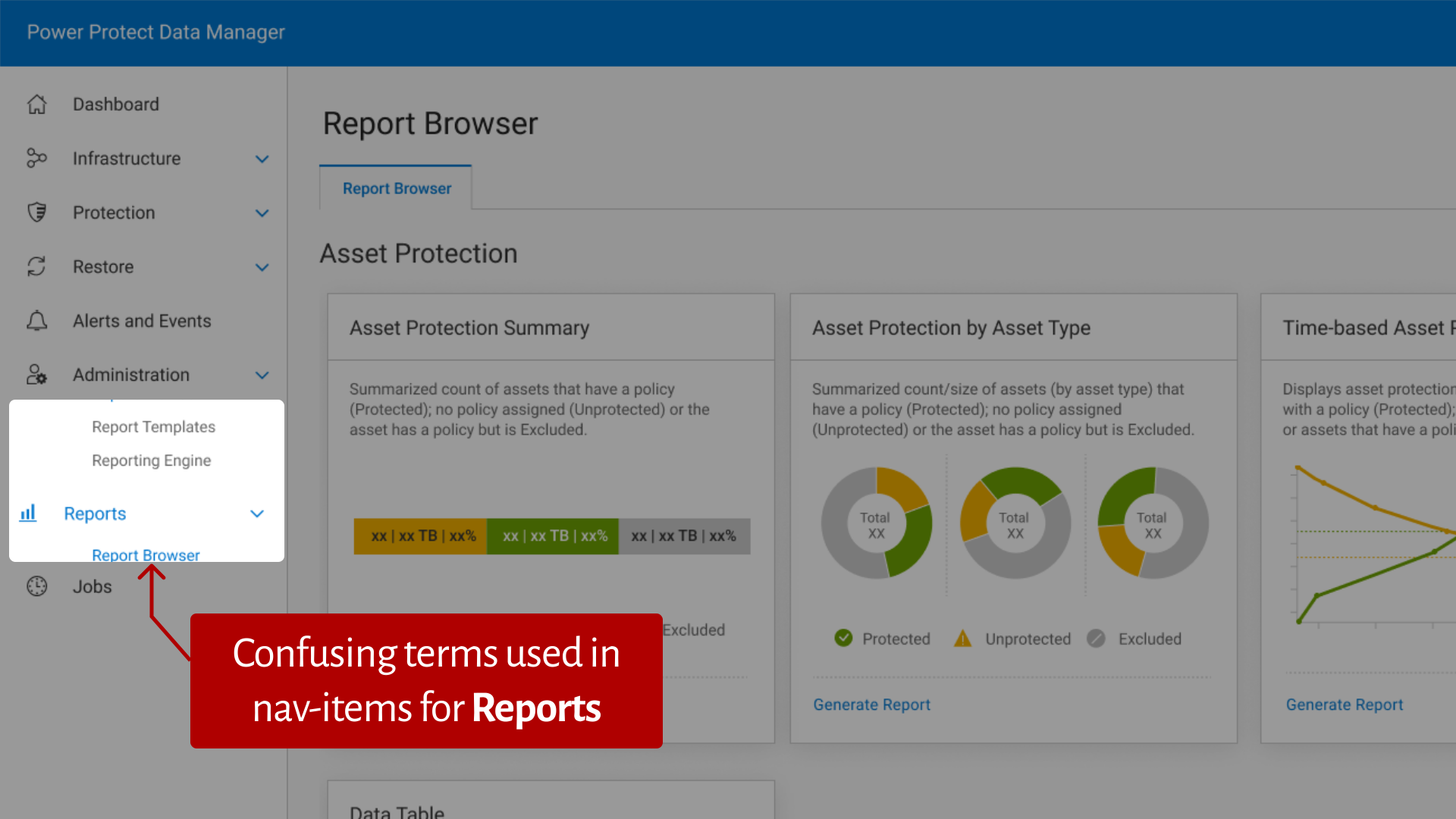
Unclear navigation
Report Browser, Report Templates and Reporting Engine. Users couldn’t tell which one made a report.
02
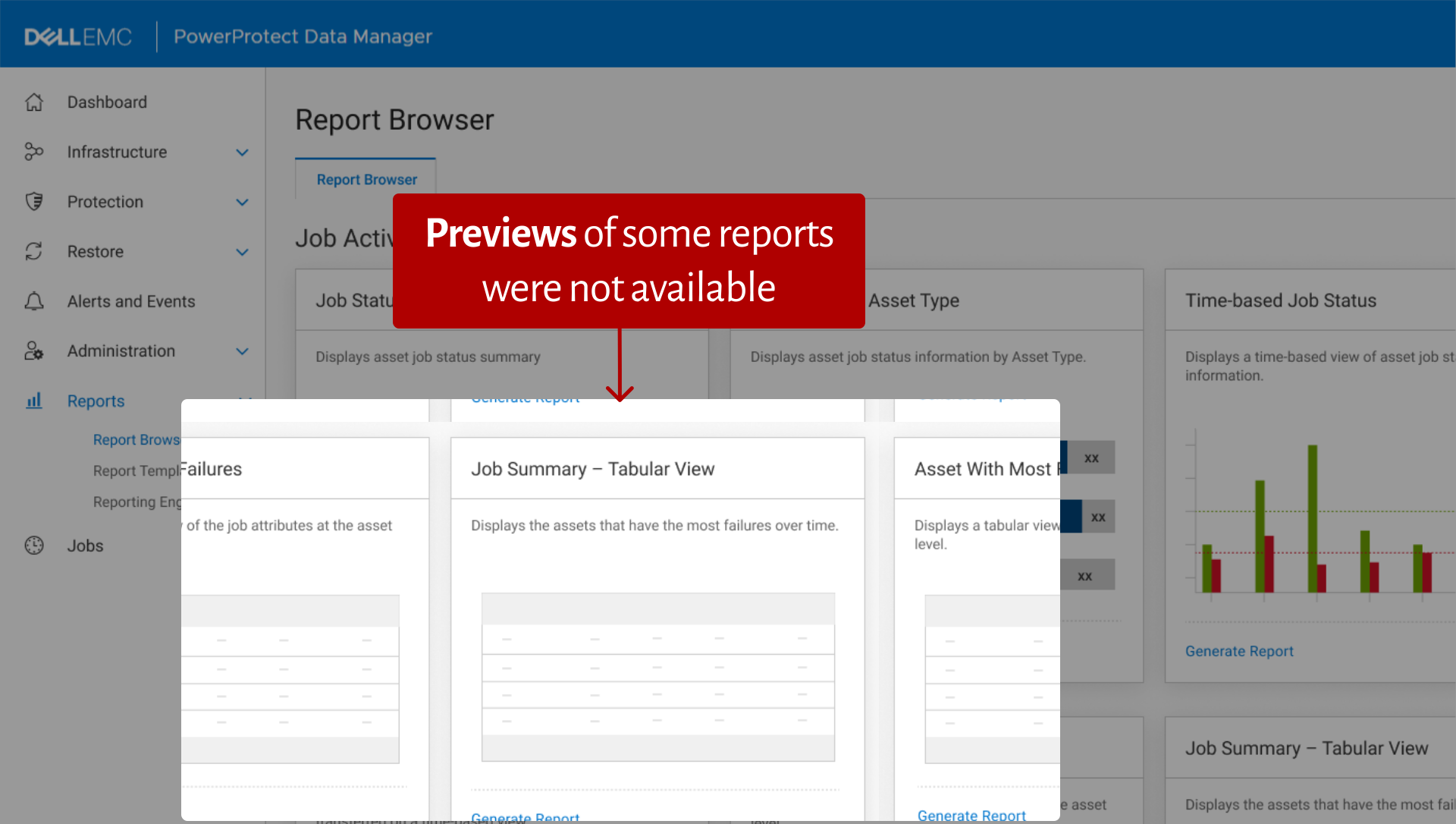
No preview
Some reports couldn’t be previewed, so people generated them blind and started again when they were wrong.
03
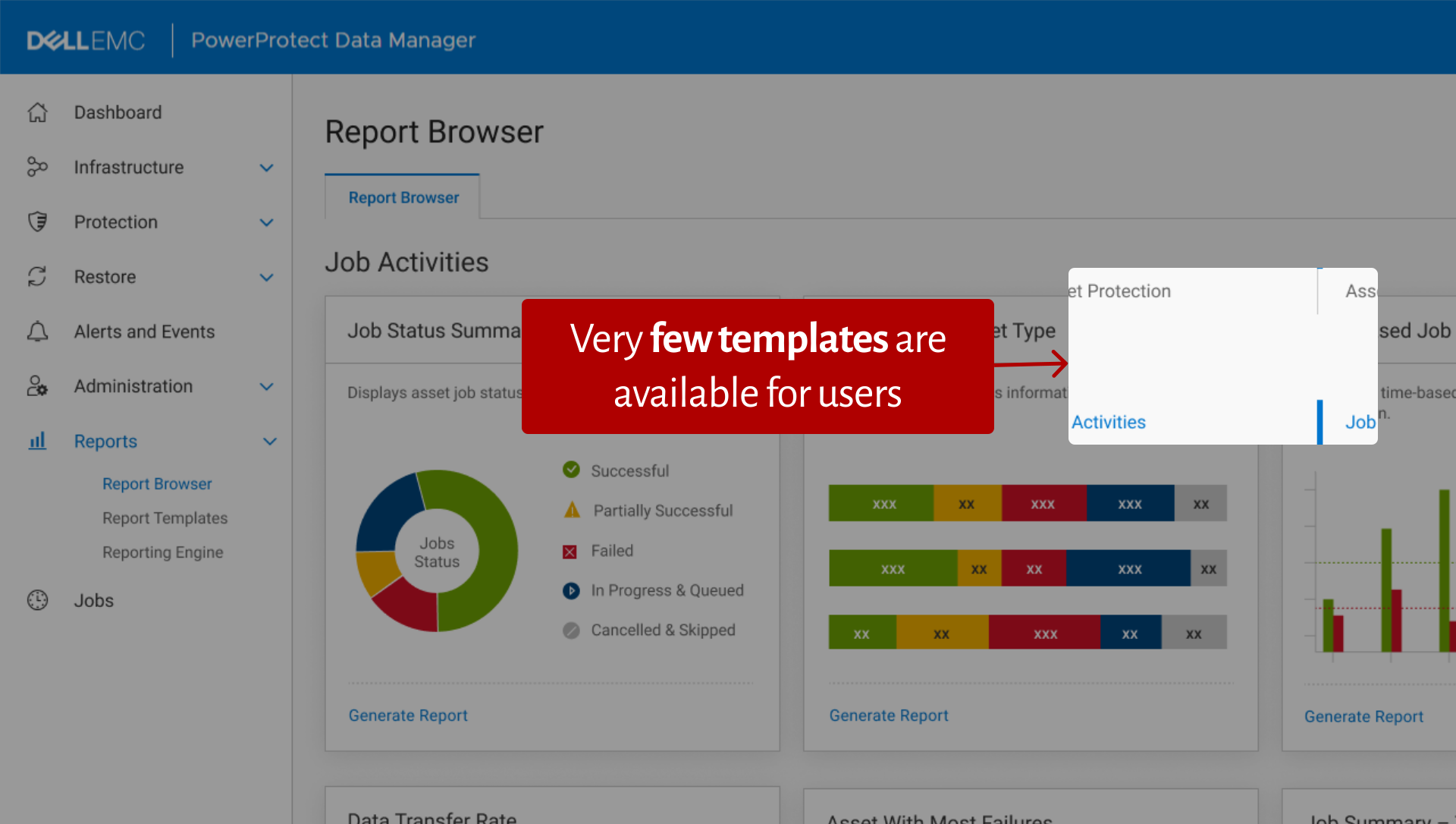
Too few templates
Only a handful of templates, so users combined several to get the report they actually wanted.
04
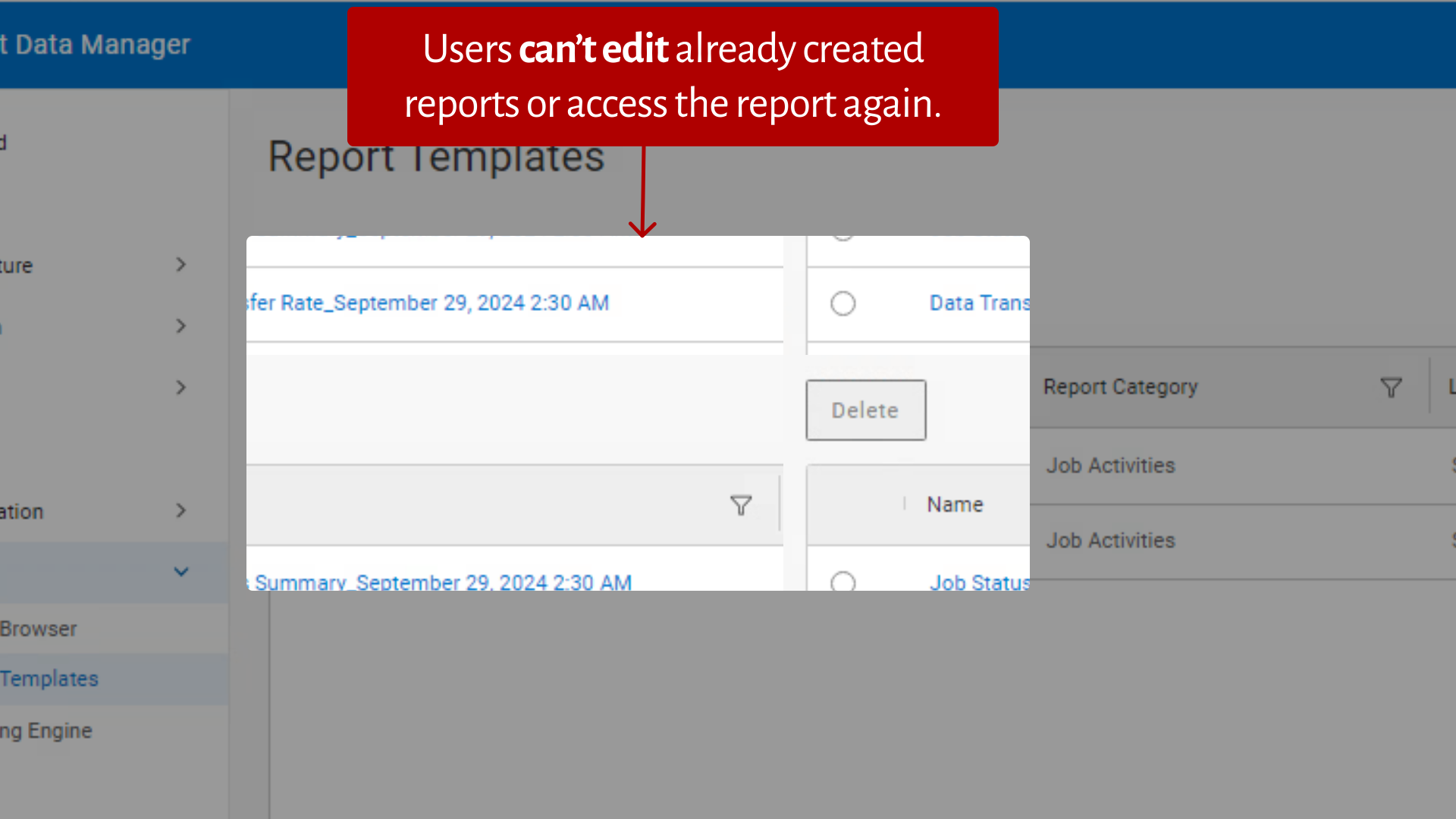
No editing or reuse
Once a report was created it couldn’t be edited or opened again. Every change meant starting over.
Our redesign process
Four questions to design for.
We turned the findings into “how might we” questions, sketched answers, reviewed them internally and with clients, and iterated until the flows held up.
01
How might we simplify report creation?
One place to start, named the way admins talk: Report Templates.
02
How might we offer flexible templates?
More standard templates, plus a wizard to build and save your own.
03
How might we reduce the learning effort?
Every template card has the same three actions: Preview, Customize, Download.
04
How might we enable quick previews?
A preview for every report, with its filters shown, before anything is generated.
Final designs
Use a template, or make your own.
The redesign came down to two paths. Most admins start from a standard template; power users build a template once and reuse it.

Decision 01
Name it like users do
Three menu items became one, Report Templates, because that’s how admins described what they wanted.
Decision 02
Preview before you commit
Every report can be previewed with its filters visible, so nobody generates a report just to see it.
Decision 03
Templates you can keep
Custom templates are saved, edited and reused, instead of rebuilt each time.
Outcomes
What changed after launch.
20%
of clients actively using reporting in the first month
42%
of clients using it by the third month
+27%
in user satisfaction in post‑launch surveys
CSV + PDF
exports, so reports work with the tools admins already use
Measured after the redesign shipped in PPDM.
Looking back
Talking to clients directly changed the project. The four problems came from them, not from secondary research. As design lead, I also learned when to listen and when to push back with stakeholders.
Vishal Thakur · Product designer
Next case study: IKEA Developer Portal →